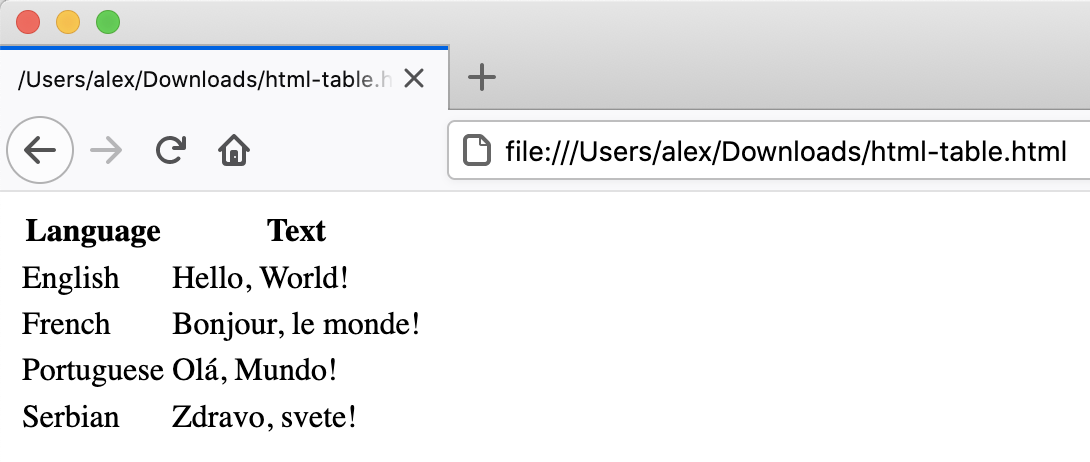
Let’s write a more complex HTML example using a table showing the
“Hello, World!” text in different languages that renders like:
Figure 2
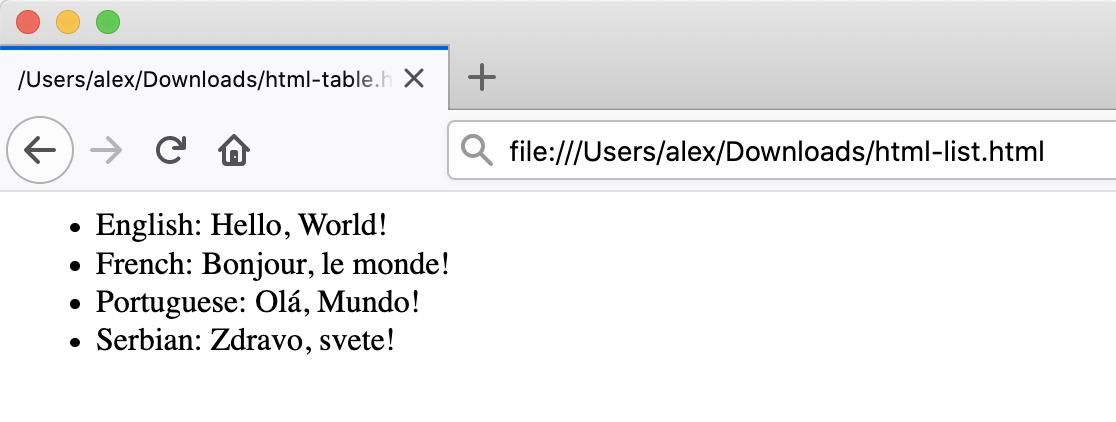
Image 1 of 1: ‘HTML list example’
A similar example written using HTML lists would look as follows:
Figure 3
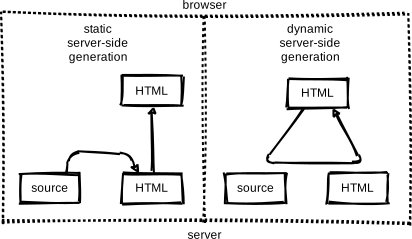
Image 1 of 1: ‘Pages can be created in several ways: static server-side generation (where HTML is generated once on the server and doesn'tchange thereafter), dynamic server-side generation (where the server can update and send new HTML based on requests fromthe user's browser), and client-side generation (where parts of HTML pages are generated by the browser using Javascript code)’
Figure 4
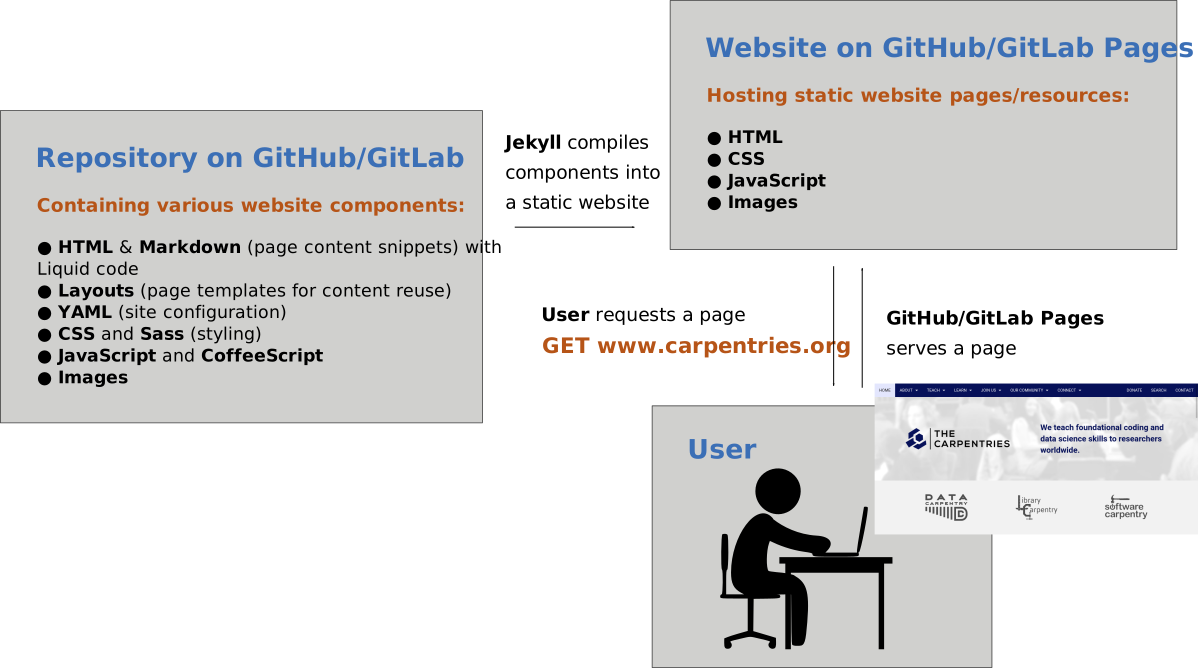
Image 1 of 1: ‘Static websites in GitHub Pages technology overview diagram’
Figure 5
Image 1 of 1: ‘Plus button’
Figure 6
Image 1 of 1: ‘New project button’
Figure 7
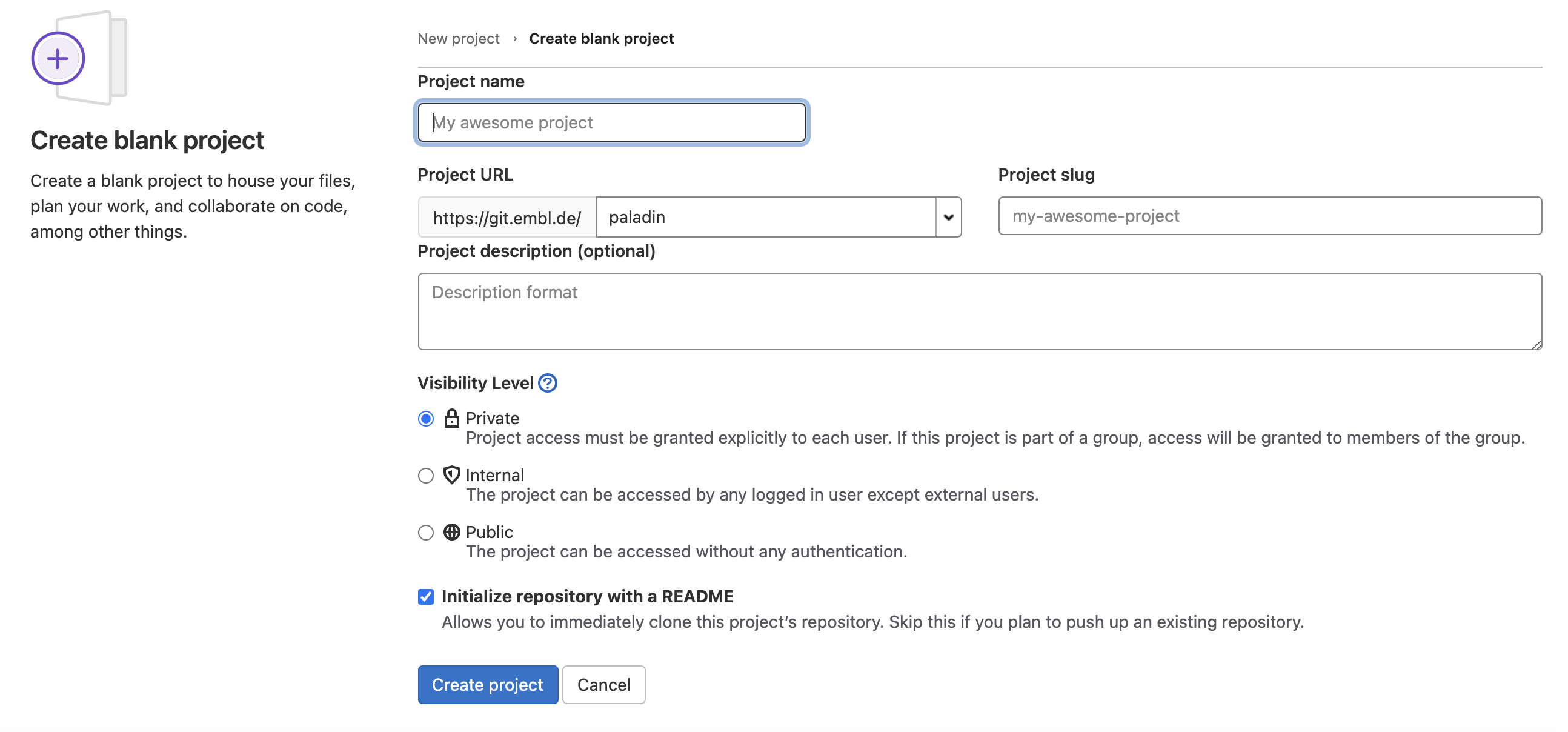
Image 1 of 1: ‘Blank new repository page’
Figure 8
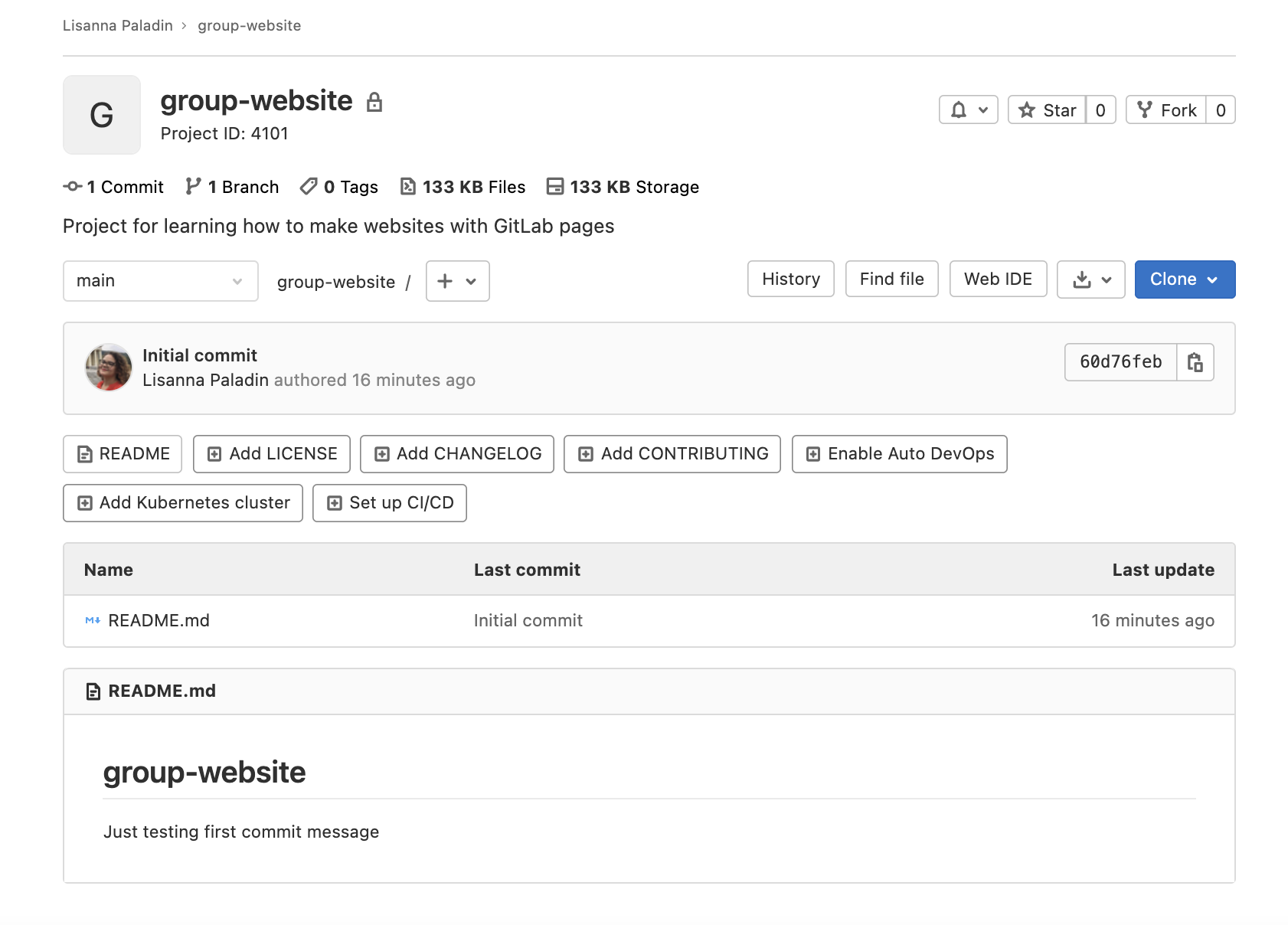
Image 1 of 1: ‘Github repository for the group website’





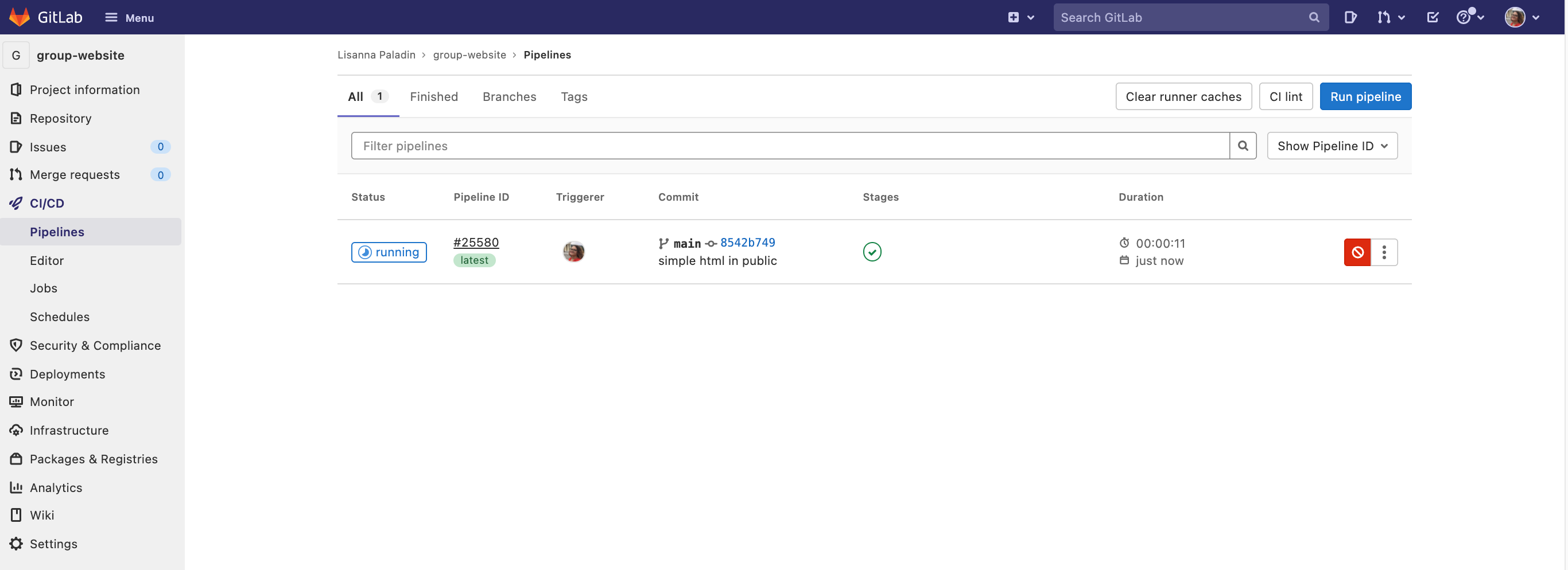
 . If not, just wait
until it becomes so.
. If not, just wait
until it becomes so.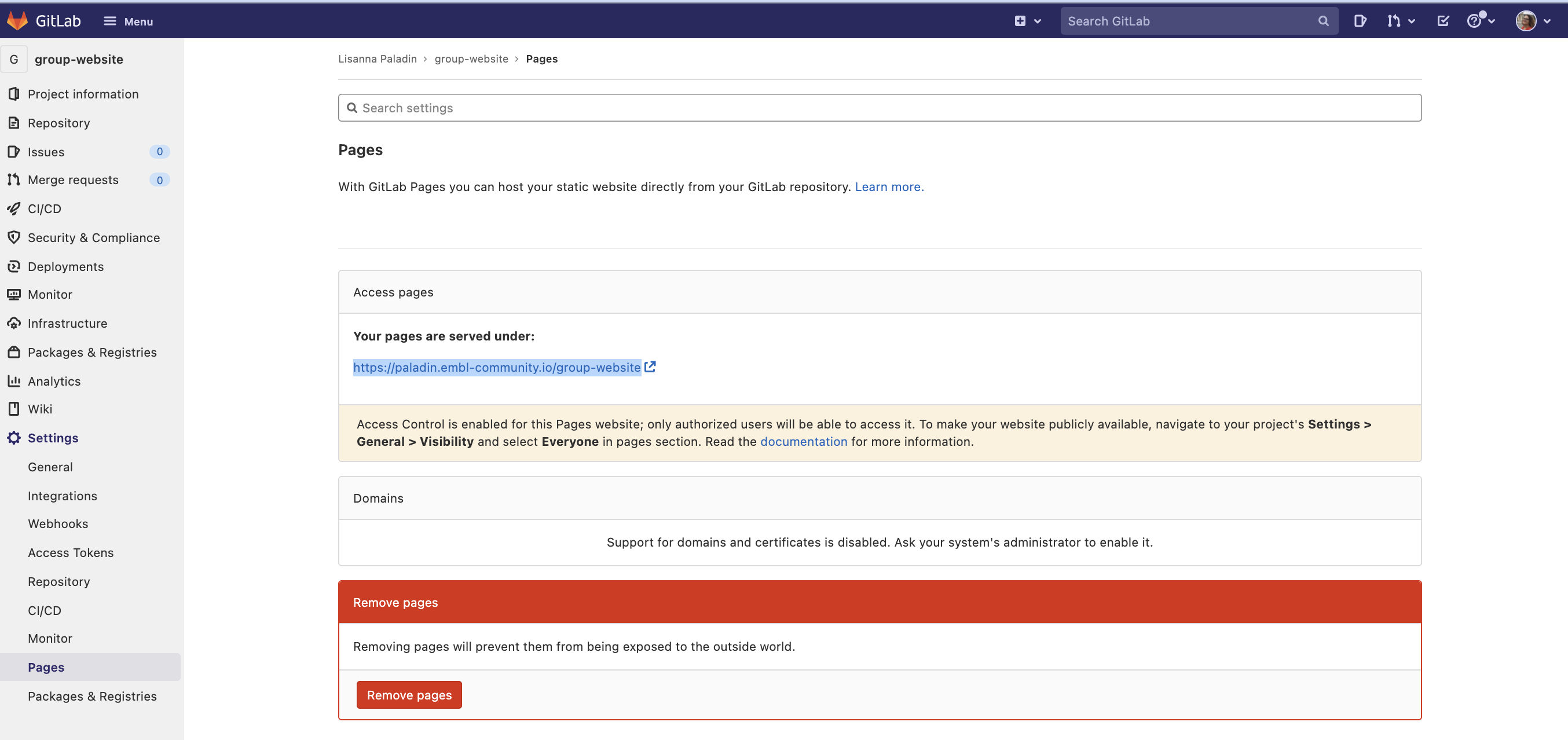

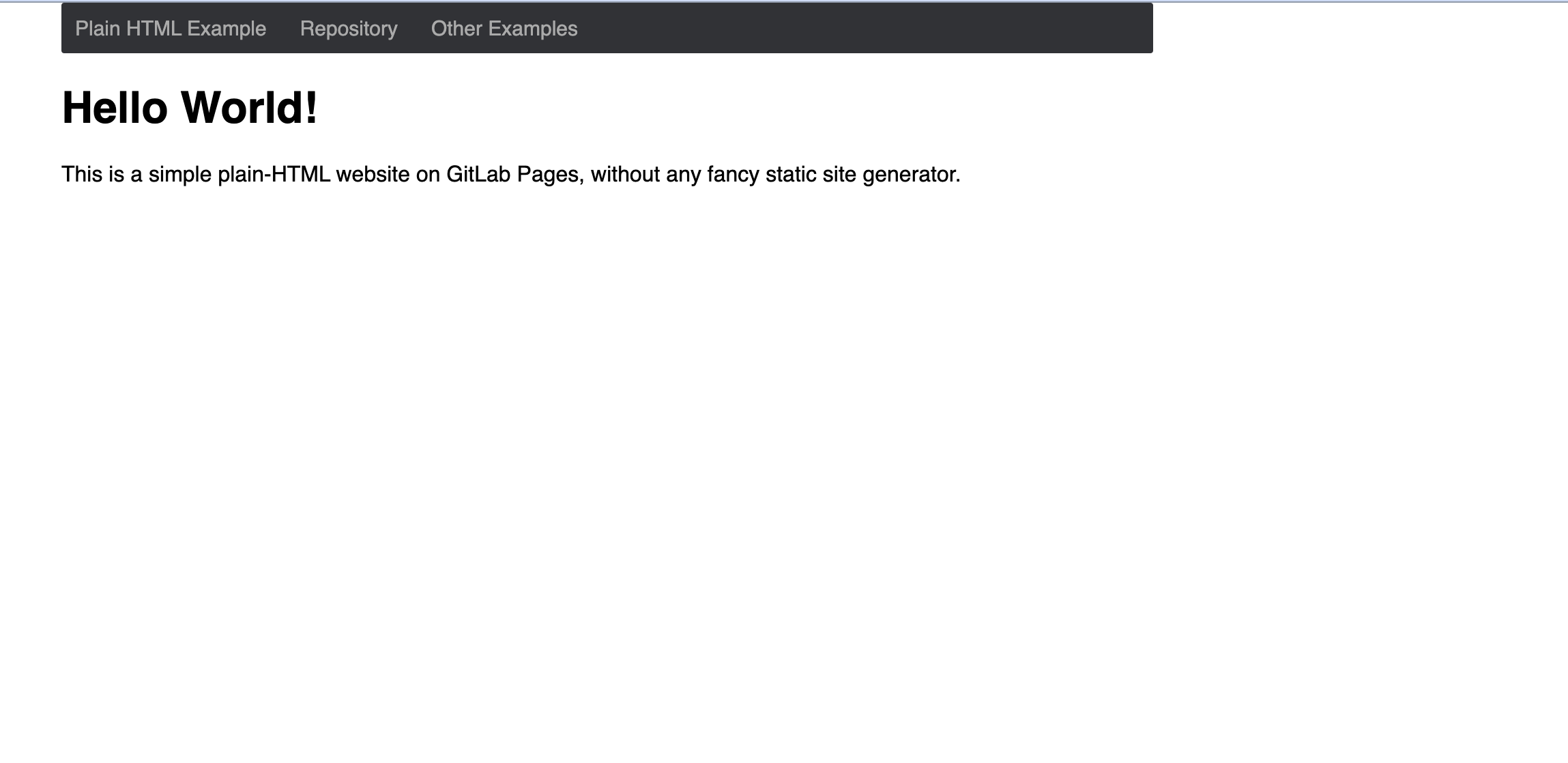
 {:
.image-with-shadow width=“600px” }
{:
.image-with-shadow width=“600px” }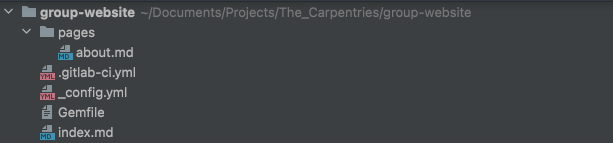 {:
.image-with-shadow width=“600px” }
{:
.image-with-shadow width=“600px” }